.svg)
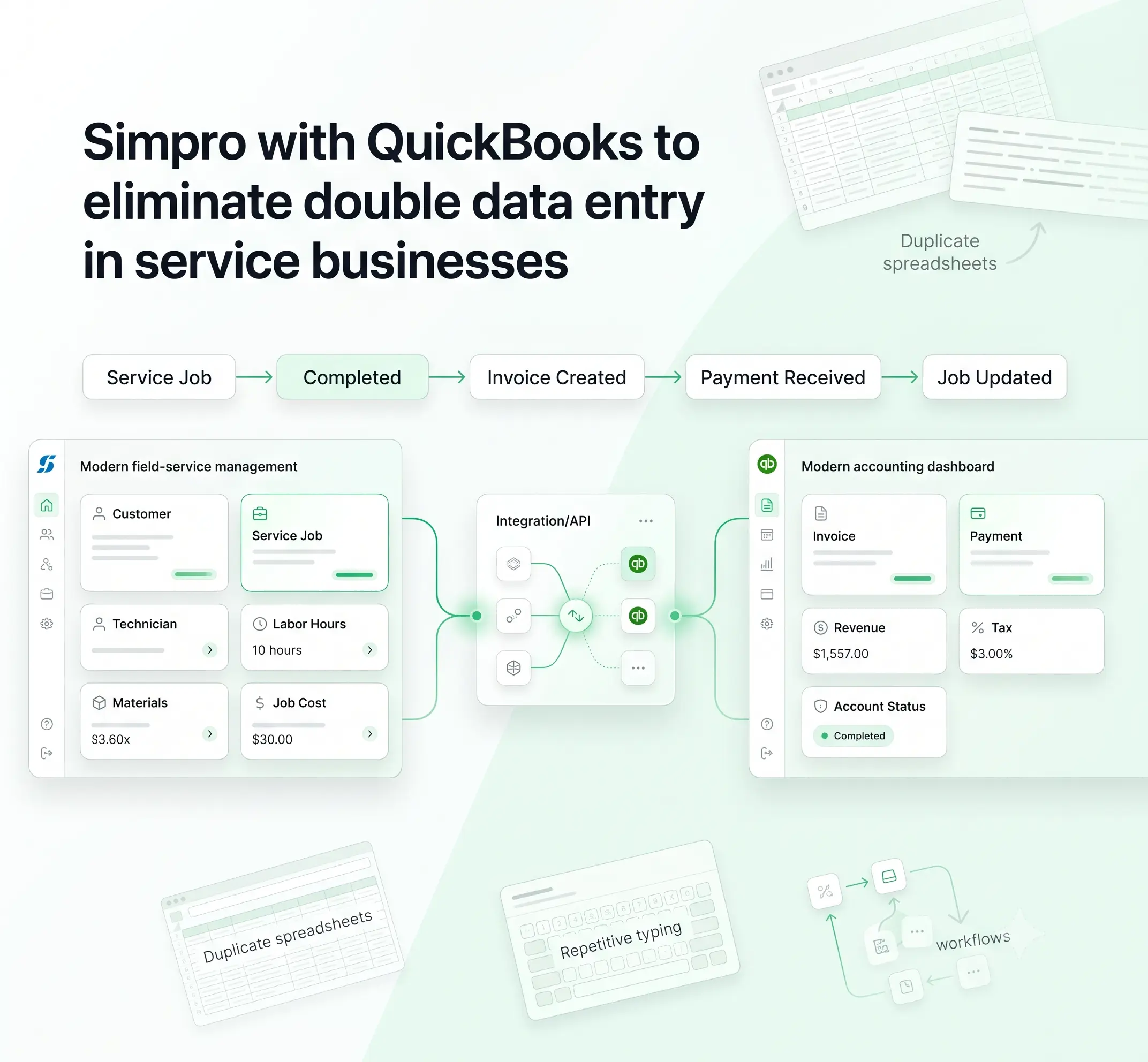
Why does a single completed job at a service business often get typed into three different systems before anyone actually gets paid for it?
A technician closes it out in Simpro. The office rebuilds it for invoicing. Someone then keys the same figures into QuickBooks a third time, usually a few days later, usually with a number slightly off.
That is the honest answer behind most billing delays and reconciliation headaches in trades and field service companies. The fix isn't more admin staff or stricter checklists.
It's a proper field service integration platform that treats service provider integrations as core infrastructure, connecting job data directly into invoice and billing integration workflows, built around how field teams operate.
Here we look at where that duplication happens, why the usual workarounds fall apart at scale, and what a well-built Simpro to QuickBooks connection actually requires.
The Real Cost of Parallel Systems in Service Operations
Simpro runs the operational side of a service business: quotes, scheduling, job costing, technician time, purchase orders. QuickBooks runs the financial side: invoices, payments, the general ledger, tax reporting.
But when used independently without being truly connected, the result is two different truths that someone has to piece together manually.
That reconciliation work rarely gets tracked as its own line item, which is why it goes unnoticed for years. Each handoff adds delay and a chance for something to not match.
This pattern shows up consistently among businesses that treat their field service automation platform and their accounting software as two unrelated tools:
- Invoicing takes days instead of hours, because someone has to manually rebuild it
- Technician hours and material costs logged in Simpro don't always reach job profitability reports
- Payment status drifts out of sync, so collections calls go out on invoices already paid
- Month end close stretches longer because two ledgers need manual reconciliation first
None of this is a staffing problem. It's a design problem, and it compounds as job volume grows.
Where Double Entry Actually Happens
Most owners picture double entry as simply retyping invoice totals. In reality, duplicate effort creeps in throughout the entire job lifecycle, introducing new risks at every stage.
A properly connected data integration platform removes each of these manual touchpoints. It moves a record once, in one direction, at the right point in the workflow, instead of letting two teams keep two separate copies of it.
The financial impact is measurable. Manual entry carries a typo rate of around 1% per field for trained operators and closer to 4% for average users. Reviewing a second entry against the first only brings that down to roughly 0.3 to 0.5%, at the cost of doubling the labor, according to recent research on manual data entry error rates.
On invoicing specifically, close to 39% of manually processed invoices contain at least one error, and manual handling costs a business between $12.88 and $19.83 per document, based on current invoice management benchmarking data.
For a company processing a few hundred invoices a month, that adds up fast.
Why Native Links and Manual Workarounds Fall Short
Simpro does offer a native QuickBooks connection covering the basics: pushing customer records, invoices, and some payment data across with a manual click or a scheduled sync.
For a very small operation, that may hold up for a while. It tends to fail when the business grows beyond a few techs or operates several cost centers or multi-entity billing.
A few friction points show up repeatedly:
- Field mapping is rigid. Native connectors assume a standard chart of accounts and tax codes, so customized fields in either system often get silently dropped or mismatched.
- Sync timing is unpredictable. Scheduled or manual syncs mean invoices sit in a queue rather than moving the moment a job closes, which delays cash collection.
- It’s difficult to identify partial failures. A failure in a batch due to a missing tax code or locked period does not get reported and remains unresolved for several weeks.
- API constraints add complexity underneath the surface. QuickBooks Online enforces a rate limit of roughly 500 requests per minute per company, tighter batch caps, and webhook notifications that arrive several minutes late at times. Any connector has to design around those limits as part of dependable API integration work.
These are the same challenges that show up across CMMS ERP integration for service providers more broadly, where operational and financial systems are built by different vendors with different assumptions about how data should move.
A native, point-to-point connection isn't built to absorb that complexity, because it's a feature bolted onto one product rather than a purpose-built application to application integration layer.
Designing an Automated Data Flow Between Simpro and QuickBooks
A reliable connection between the two systems needs a clear direction of truth for every data object.
Job and customer data should originate in Simpro, since that's where the operational record lives. Payment status should flow back from QuickBooks, since that's where accounting confirms funds received.
Getting this backward or letting both systems act as equally authoritative for the same field, is where most integrations drift out of sync.
The mapping itself needs more thought than a one-to-one field match:
ERP integration for service teams is better suited to work on an event basis than as a night-time batch process.
When a job is marked complete in Simpro, it should trigger a QuickBooks invoice within minutes instead of waiting for a scheduled sync. The reverse is just as vital: logging a payment in QuickBooks ought to update Simpro immediately, ensuring your dispatch team never has to operate on outdated information.
Built well, this kind of cloud integration removes the manual middle step entirely. Businesses that adopt proper API integration tools for this connection typically see invoices go out the same day a job closes, because the data never has to wait for someone to be free enough to retype it.
Governance, Error Handling and Scale
Automation without oversight creates its own risk, particularly with financial data. A dropped sync that goes unnoticed for a week can mean invoices never went out, or payments never got applied to a job.
A sound integration needs a few governance basics built in from day one:
- Idempotent processing. QuickBooks can deliver webhook events out of order or more than once, so the integration needs SyncToken versioning to avoid overwriting newer records with stale data.
- Retry logic with backoff. Rate limit errors should trigger a delayed retry, not a transaction that quietly disappears.
- Audit trails. Every record that moves between systems should be logged, with a clear history of what changed, when, and why.
- Role based access control. Not everyone needs the ability to edit mapping rules or reprocess failed syncs.
- Alerting on exceptions. A missing tax code or a locked accounting period should trigger a visible alert, not a quiet failure buried in a log.
This is where good workflow automation separates itself from a fragile shortcut.
Many home-grown or point solutions run out of the runway here. A general purpose iPaas solutions approach, built to handle many source and destination systems, manages this governance layer more consistently than a connector built for one pairing, since it absorbs schema drift and API changes without a rebuild each time a vendor updates its platform.
Step-by-Step Guide to Implementing a Simpro–QuickBooks Integration
There is a certain logic to this process, and firms that rush through it often have to repeat some steps later on.Here is how the process typically unfolds.
Step 1: Data Cleanup
Before any sync settings are touched, both systems need to be reviewed for duplicate customer records and inconsistent naming. This part gets overlooked often, since it feels unrelated to the integration itself, but it is not optional.
Whatever inconsistencies exist in the data today will move faster, and multiply, once automation is switched on.
Step 2: Account Mapping
Every service item, income account, and cost center in Simpro needs a confirmed counterpart in QuickBooks. This is detailed, line-by-line work, and it holds up better when finance signs off alongside operations rather than reviewing it after the fact.
Once this mapping is wrong in one place, every invoice built on top of it inherits the same error.
Step 3: Data Ownership
For each type of information moving between the systems, one side needs to be treated as the source of truth. Customer records, job costs, and payment status should each have a clear, named owner.
That decision is worth writing down. Teams tend to relitigate ownership informally months later if there is nothing documented that both sides can point back to.
Step 4: Event Triggers
Rather than waiting on a nightly batch, the integration should fire the moment something actually happens in the business. A job gets marked complete, an invoice is approved, a payment comes in, and each of these should set off its own sync right away.
This event-driven approach is what separates a modern integration from the older style of scheduled exports.
Step 5: Monitoring Setup
Error alerts, a dashboard showing sync health, and a defined escalation path all need to exist before the first real invoice moves through the system.
It must be recognized that error notifications, a dashboard illustrating the sync status, and an escalation plan have to be there before the very first invoice makes its way through the system.
It is very tempting to try first and then monitor, but that is exactly how a failed sync remains undetected for weeks.
Step 6: Pilot Testing
Test the integration on a small batch of actual jobs before launching it across the entire business. Compare these automated invoices against what your team manually creates, closely verifying totals, tax codes, and job details.
Finding minor errors early is much less expensive than fixing them at month end.
Step 7: Ongoing Maintenance
Once live, the integration still needs attention. Charts of accounts change, both Simpro and QuickBooks update their APIs from time to time, and mapping rules drift out of sync with reality if nobody revisits them.
How ConnectorHub Supports Simpro–QuickBooks Automation for Service Pros
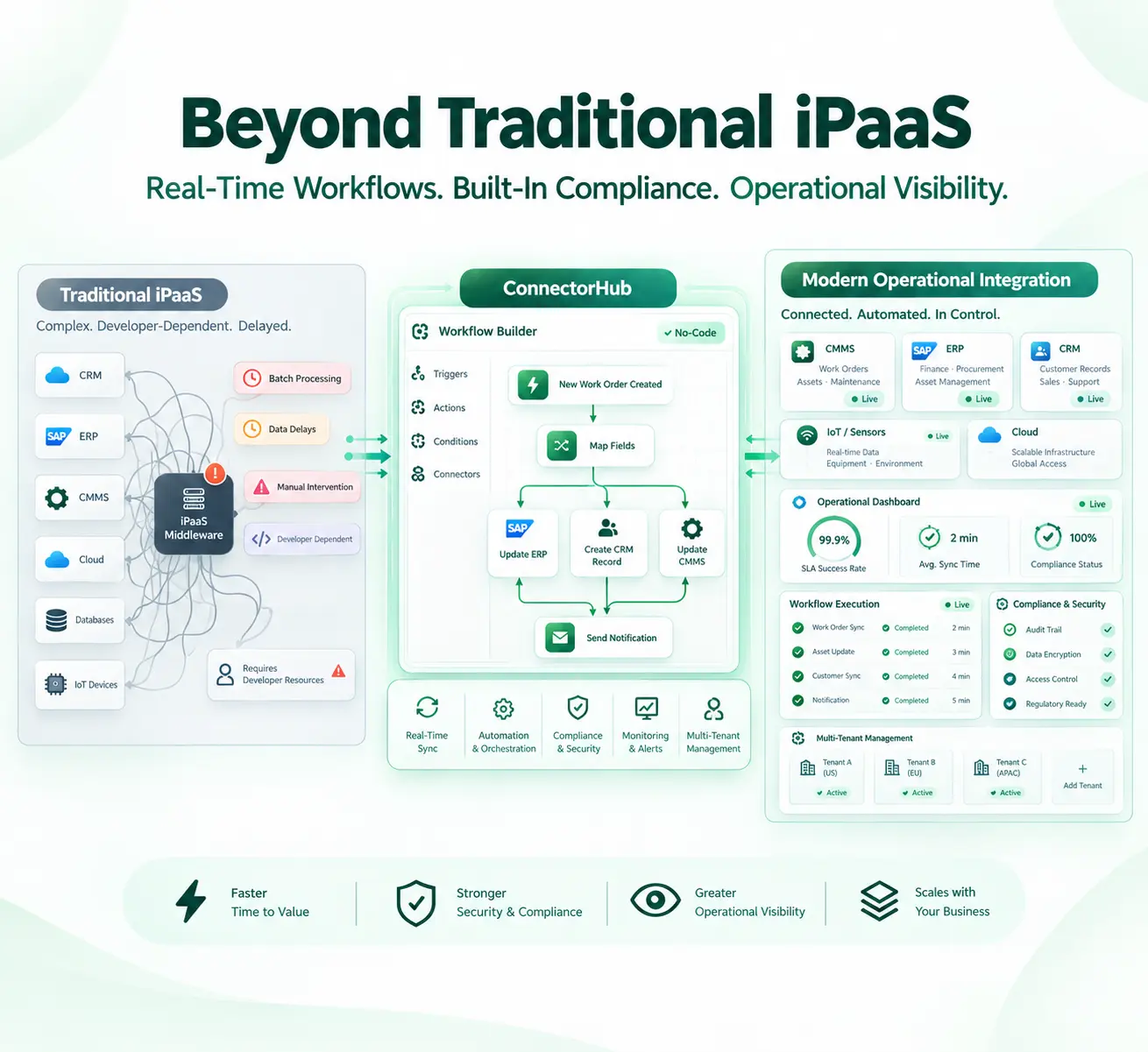
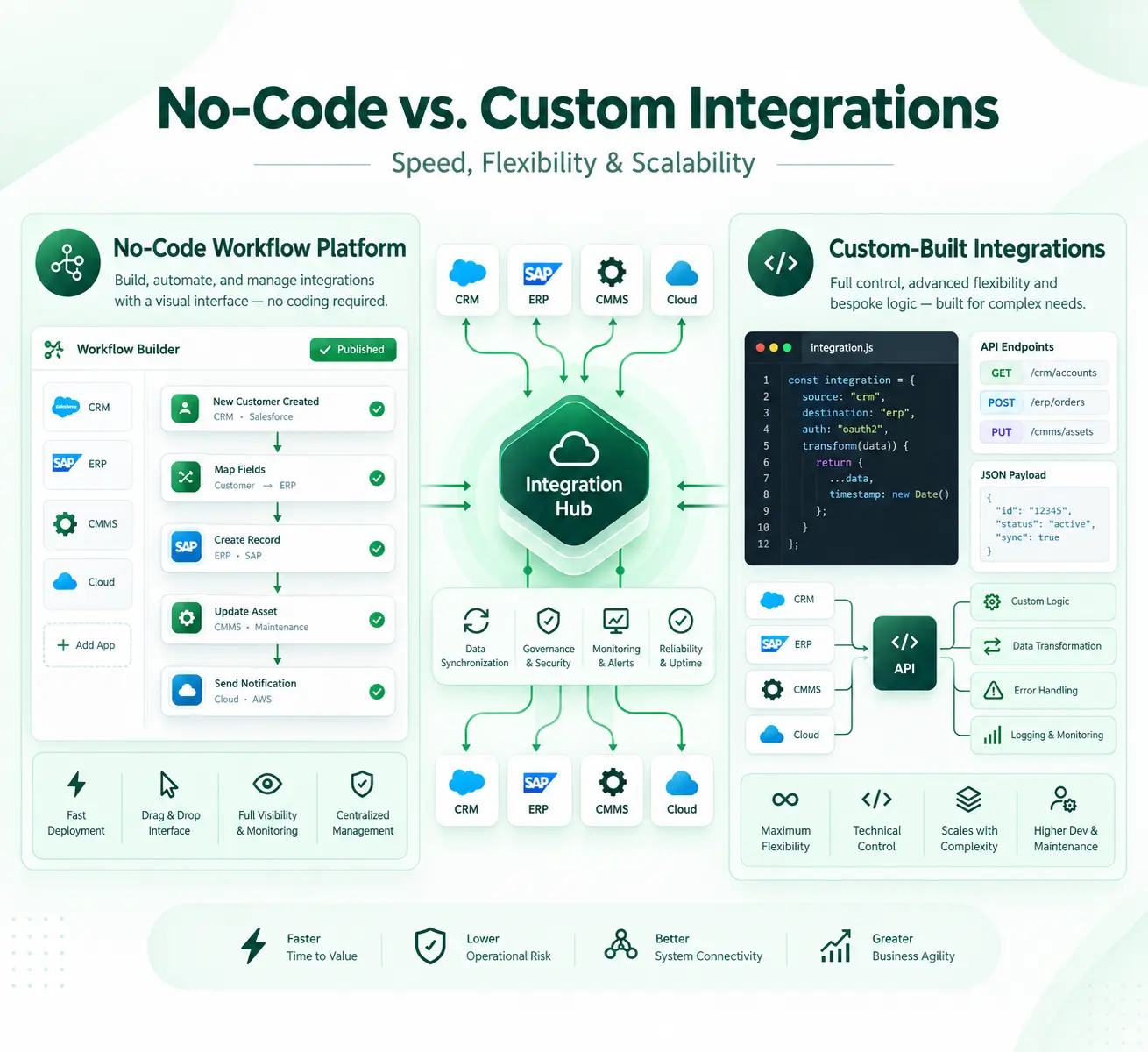
ConnectorHub approaches this exact problem as a form of business process automation built to handle the friction points above, rather than a single narrow connector.
It provides pre-existing integrations within existing CMMS, ERP, and CRM applications that companies use and it works as an enterprise automation platform, which means that the exact same governance model will apply, regardless of the fact that now you connect Simpro with QuickBooks or add another system later.
A few specifics matter for service pros evaluating this kind of connection:
- A visual, low-code mapping interface lets operations or finance staff adjust field mappings without waiting on a developer
- Machine learning based field mapping and anomaly detection flags mismatched records before they cause a bad invoice
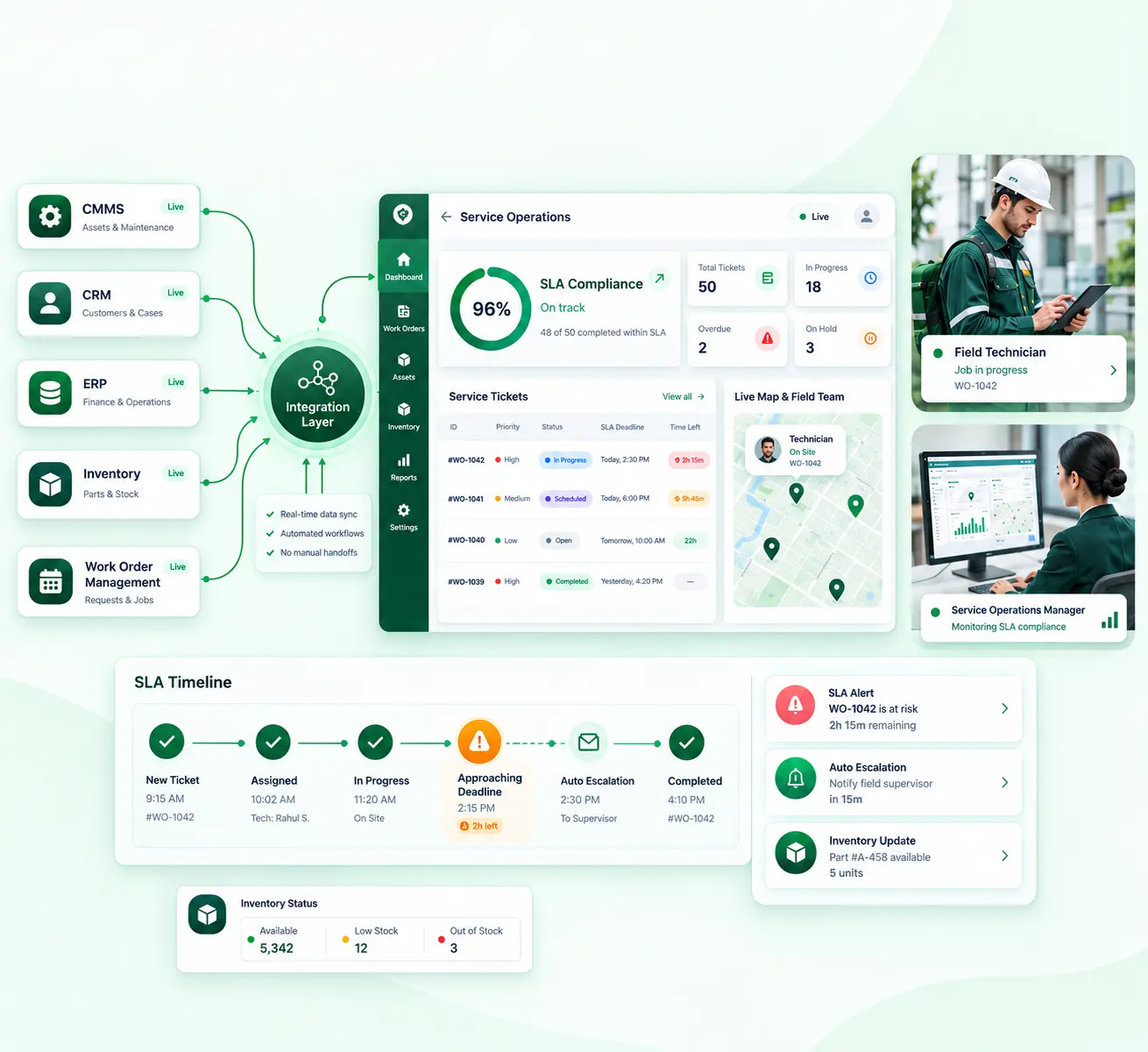
- Live dashboards surface SLA alerts and sync health, so a failed sync gets caught the same day rather than at month end
- SOC 2 and GDPR compliance is enabled through role-based access controls, encryption of credentials, and comprehensive auditing
- Most of these types of integration are usually deployed within two to four weeks using pre-existing templates and not custom code
Operational and financial data reconciling on their own as facilitated by ConnectorHub, is what a Simpro to QuickBooks connection is meant to deliver for trades and service businesses running Simpro today.
Conclusion
Double entry between Simpro and QuickBooks isn't a training issue or a discipline issue. It's what happens when two well-built systems are never properly connected, and most businesses run into it once job volume passes a certain point.
The companies that solve it well aren't adding administrative headcount. The relationship between operations and accounting is being treated as core infrastructure that has clearly defined ownership for each object, has error handling, and has the ability to detect issues within the day.
Getting that connection right pays back in cleaner books, faster invoicing, and fewer hours spent reconciling two versions of the same job.