.svg)
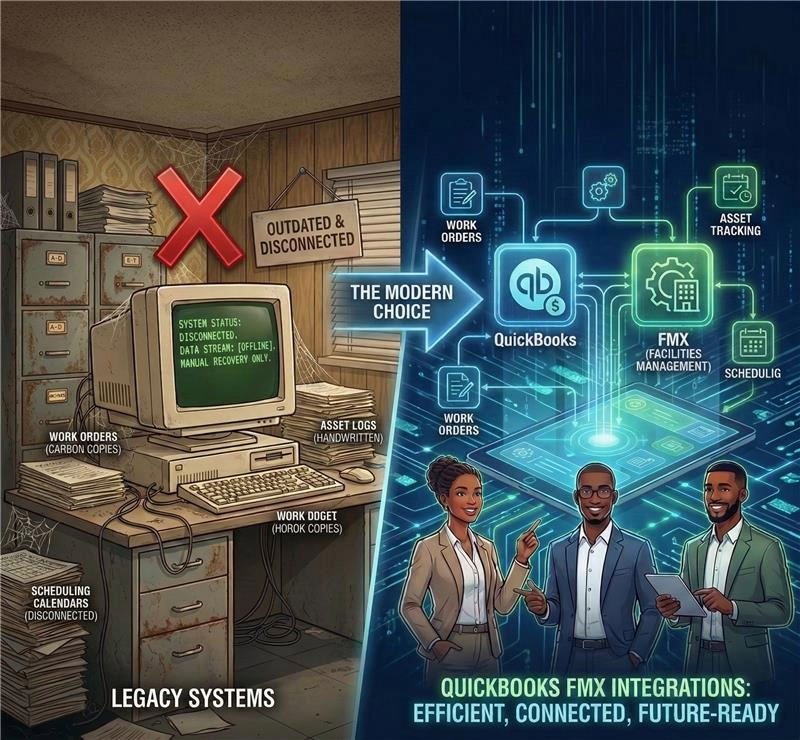
Like most industries, facility management leaders and decision makers are under constant pressure to keep optimizing operations, curbing costs, and ensuring smooth workflows.
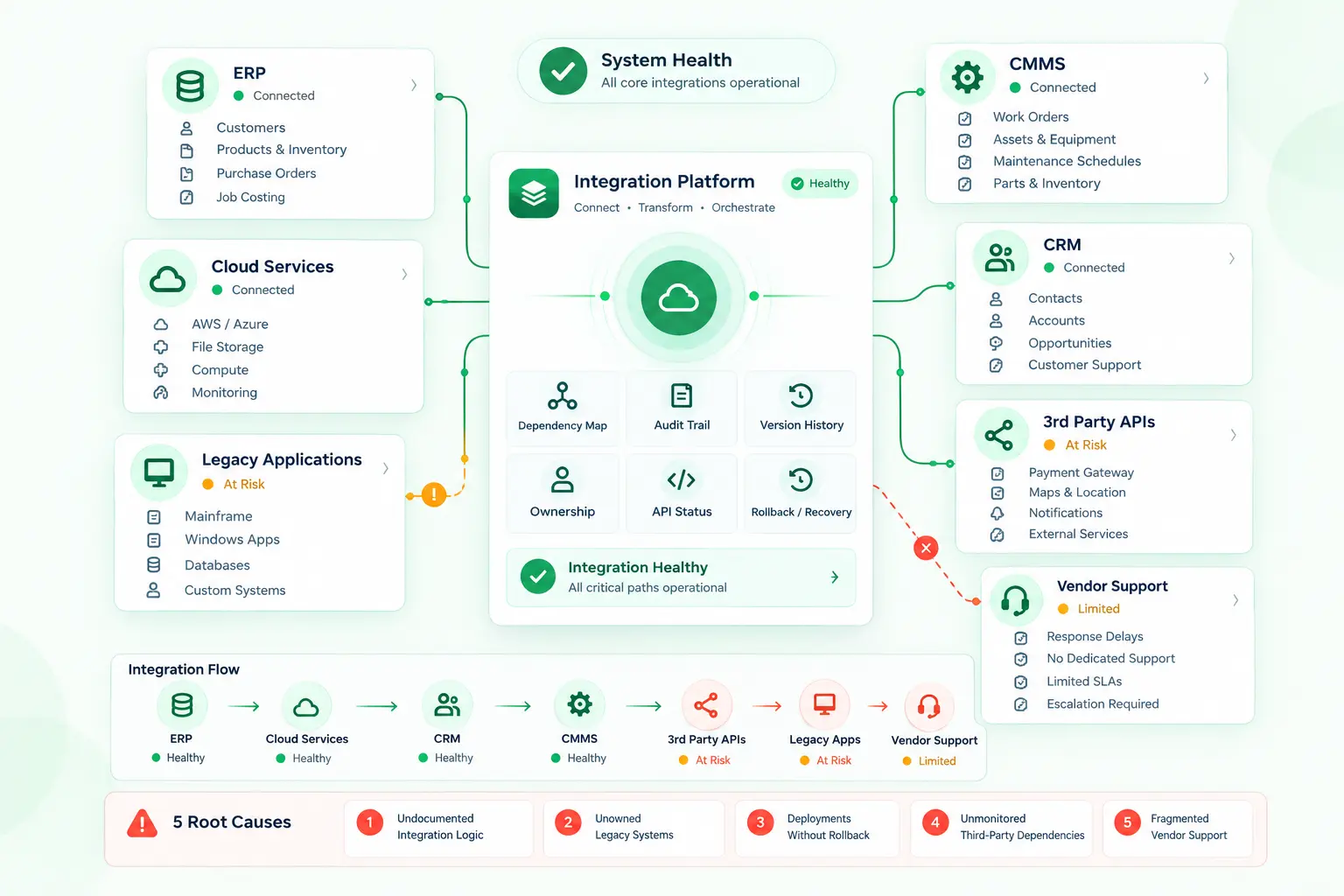
Legacy systems with yesterday’s infrastructure and broken data handling pipelines offer little to no help, hindering the chance for any progress in sustaining productivity.
For stakeholders in facility management organizations, this easily translates to rising maintenance costs and operational silos. But the good news is that there's a shift already underway that can be the turning point to bring in a difference.
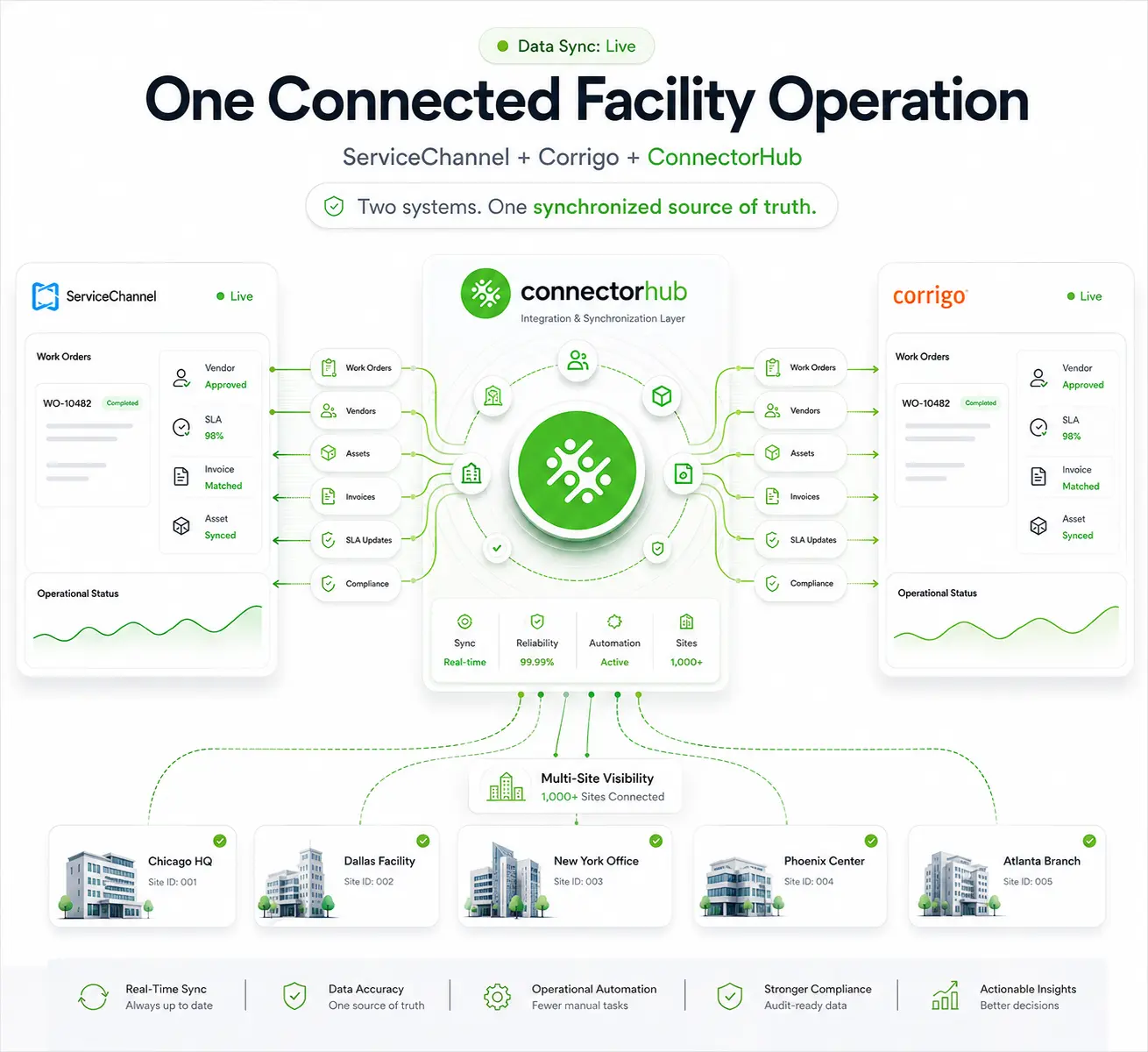
More and more enterprises are turning to modern iPaaS integrations like QuickBooks + FMX to tackle the current challenges and stay ahead of the curve. ConnectorHub attempts to be a leading enabler in this market for CMMS-ERP integration to establish workflow automation for facilities, steering to an era of more efficient, future-ready facility operational mechanisms.
The Move Towards CMMS-ERP Integration for FM Operations
CMMS ERP Integration represents a pivotal evolution in facility management. Legacy systems often isolate maintenance data from financial oversight, leading to discrepancies and delays. Modern integrations connect these dots, with updates to flow effectively such that what breaks today shows up in spending views tonight.
Why the switch? Shared data through CMMS-ERP integration means fewer mistakes hiding in old numbers. Finance spots trends earlier when repair logs update live. Repairs shift from afterthoughts to planned moves. Numbers adjust as wrenches turn. The shop floor talks straight to accounting desks. Silos crumble once codes sync across platforms. Instead, information moves on its own as smooth, constant streams feeding straight into company software.
Facility leaders are opting this over legacy setup for its ability to handle complex, multi-site operations without the bloat of outdated hardware.
Current Limitations in Facility Management To Connect CMMS and ERP Systems
The conventional facility management systems, often built decades ago, struggle to keep up with today’s evolving demands. These systems rely on rigid architectures that lack flexibility, making it hard to adapt to new workflows or scale operations.
Let’s go through these challenges in depth:
Limitation 1: Incompatible Data Models / Systems
Older CMMS or ERP systems with proprietary data formats, sparse APIs, or no APIs at all, will live inside buildings without application data integration. That makes mapping assets, parts, and GL/accounting fields hard and increases custom development. This is repeatedly noted in industry write-ups about CMMS–ERP integration complexity.
Limitation 2: Poor Data Quality & Master Data Management
Outdated, duplicate, or inconsistently named asset records, parts SKUs, and vendor codes are a common blocker during integration and migration. When CMMS records are “garbage in,” downstream ERP finance and inventory processes fail.
Limitation 3: Lack Of Standard, Real-Time API-Based Integration
Many maintenance systems often work alone. Because of this, they do not have REST/Webhook support or standardized payloads for real-time events. As a result, teams rely on batch exports, manual uploads, or fragile custom scripts rather than low-latency syncs. Experts point out this as a core technical issue.
Limitation 4: Organizational/ Process Misalignment
Integrations aren’t just technical; they require agreement on process ownership (who closes a work order, who posts costs, how to treat partial shipments). Without cross-functional alignment, departmental divisions occur, and it surfaces more conflicts than efficiencies when manual means of getting things done are employed.
Limitation 5: Cost, Complexity, and Vendor Lock-In
Custom integrations, ERP customizations, and expensive middleware licenses add up and many organizations fear vendor lock-in if they let a single vendor control key mappings or custom fields. This is a recurring theme in ERP integration guidance.
Limitation 6: Scaling High-Volume Event data into ERP workflows
When maintenance teams add IoT sensors and predictive alerts, the volume and velocity of events increase. Translating sensor-driven work orders into ERP transactions (purchase orders, accruals) adds complexity that many CMMS–ERP patterns weren’t built for.
Industry experts talking about iPaaS and CMMS integration call out this growing gap and recommend automated work order management as a solution.
Limitation 7: Analytics Mismatches & No Single Source Of Truth
Work-order counts, labor hours, and asset utilization report varying numbers. Unless integration enforces a canonical data model and ownership, reporting mismatches persist and undermine trust in metrics. Several practical guides warn that integration without governance won’t fix analytics gaps.
Compounded with the pain points of security vulnerabilities, unsupported software, obsolete protocols and lack of scalability options, costly workarounds become the go-to for FM players to handle the rising data volumes. This, in turn requires businesses to spend billions annually on legacy upkeep, with U.S. companies alone losing an estimated $1.14 trillion in productivity due to inefficiencies.
Usage of QuickBooks and FMX in Today’s FM
With QuickBooks, businesses handle money tasks like sending bills, watching spending, while pulling together summaries on demand. When managing buildings, repairs get logged, supplier payouts tracked, plus financial plans stay current through steady updates.
FMX focuses entirely on handling maintenance needs. Work orders come together through its system, while planned upkeep gets lined up ahead of time. Tracking equipment stays simple, coordination happens smoothly across jobs.
Every day, folks who manage facilities turn to FMX to record repairs, hand out tasks, while tracking how machines are holding up. Accounting gets handled separately through QuickBooks.
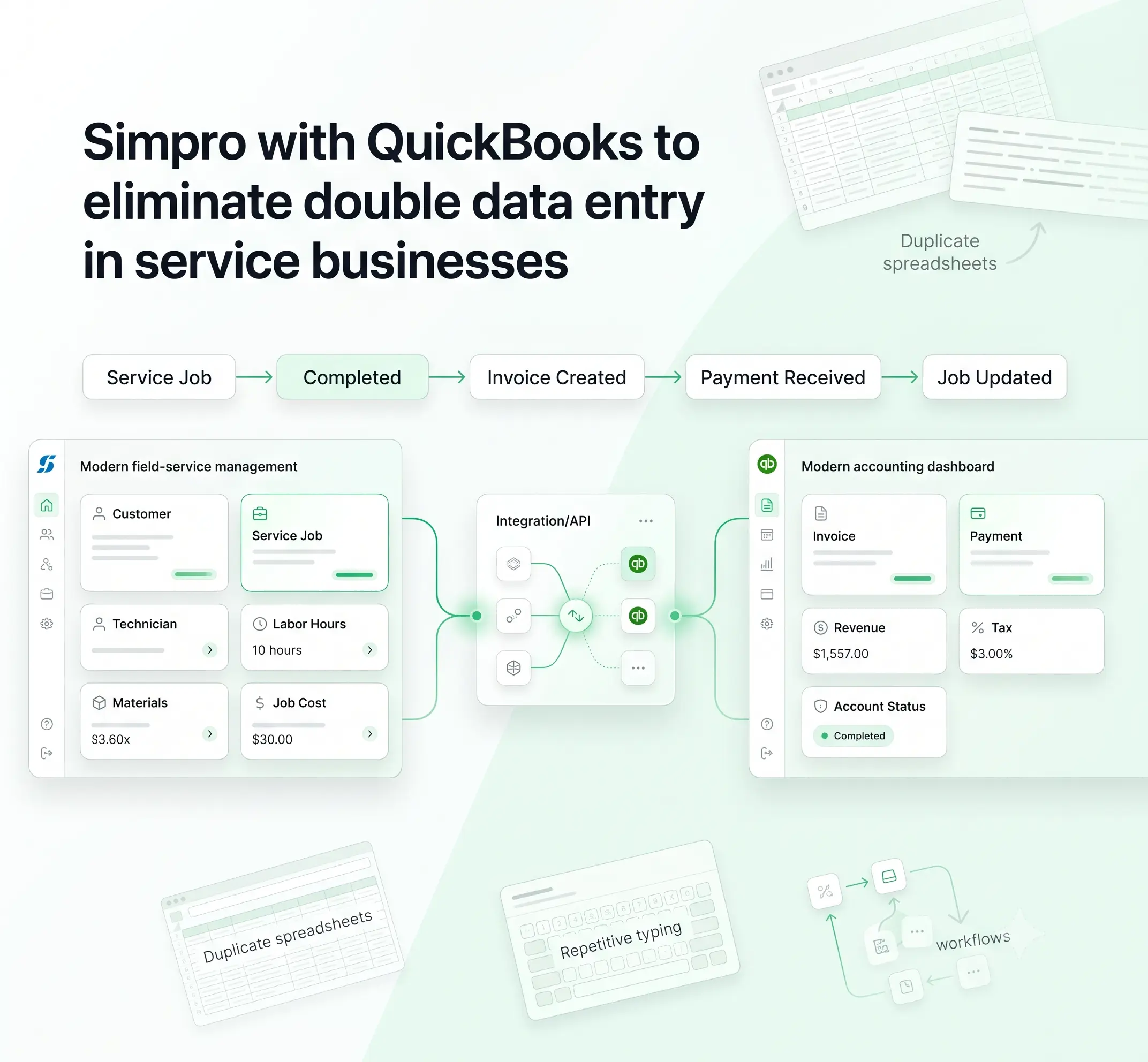
Once integrated through enterprise automation, the systems allow automatic syncing of work order details straight into the accounting books. No need to type the same numbers twice anymore. Costs become clearer. Work just flows more dependably.
Gaining an Upper Hand with QuickBooks-FMX Integration
Growth becomes simpler when software keeps pace. Old setups often demand big changes just to handle more work. Not so with today’s links between tools, such as QuickBooks connecting effortlessly to FMX. Integrating QuickBooks with FMX offers tangible advantages.
When FMX connects with QuickBooks, work order details flow directly into accounting without manual updates. Repair and supply costs appear instantly, giving teams a clearer, more accurate view of spending. Numbers update as jobs happen, so decisions are based on live data instead of estimates.
Automated data transfer cuts down routine tasks. With less time spent on manual entry, teams can focus on maintenance, planning, and operations. Productivity improves without adding extra pressure. This shared view removes information gaps and supports better decisions as well.
Connected systems are easier to scale. Unlike older setups that require major changes to handle growth, QuickBooks and FMX can adapt as workloads increase. Expansion happens without constant system overhauls.
Furthermore, real-time synchronization ensures that maintenance expenses update instantly in financial records, improving budgeting accuracy.
Embracing No-Code Integration for Facility Management
When machines communicate with each other without someone interfering using coding, everything gets a lot easier. Facility crews now connect vital systems by moving blocks around on a screen.
Ready-made pieces snap together, so there’s less waiting for tech experts. Visual setups replace lines of code, streamlining information between maintenance trackers and business planners. Tasks that once took weeks now happen faster, quietly in the background. Let’s introspect this.
- Less Dependence on Technical Teams: This change lets people without tech backgrounds create connections between repair tasks and equipment records one step at a time. It cuts delays by skipping heavy coding steps that usually slow things down. Speed builds naturally when tools talk directly, without extra layers in between.
- Tools Built for Busy Workflows: ConnectorHub is one among the many tools built for easy connectivity in the operational environments of facilities. It offers pre-built links between apps and a drag-and-drop setup that reduces manual effort. Teams can get QuickBooks talking to FMX quickly, requiring minimal to no coding skills.
- Flexibility When Needs Shift: Flexibility shows up when facility leaders tweak connections as demands change. If workflows shift or new systems appear, adjustments happen fast. The visual setup keeps everything moving without technical delays.
- Lower Costs, Simpler Maintenance: Spending drops when teams skip custom coding. With fewer specialists involved, companies spend less on setup and ongoing support. Systems change faster because automated tasks feel easier to manage.
- Agility Becomes the Norm: Facilities link tools through drag-and-drop workflow builders instead of tangled scripts. Workflows adjust more quickly since updates happen live, not after long testing cycles. Here, change fits into daily routines. Systems talk directly, delays shrink, and flexibility grows as teams fine-tune processes themselves.
The result? Agile facility operations that adapt to up-and-coming trends, outpacing rigid conventional system integration flaws.
Smart Workflow Automation in Modern Facility Operations
Today’s FM players are leaning away from email chains, excel sheets, and manual follow-ups, and leaning towards end-to-end, automated workflows. And what difference does it bring?
Smooth transitions happen step by step when tasks are automated. A job logged in FMX follows predefined paths, lands in the right queue, and moves up if urgent.
Once completed, labor hours and parts used sync directly into QuickBooks without duplicate typing. Manual errors shrink because systems handle the transfers cleanly. What once required repeated input now happens quietly and accurately.
With service request automation, staff submit requests digitally instead of filling out paper forms. Each ticket sorts itself, routes to the correct person, and triggers instant notifications. The integration ensures related charges appear in QuickBooks without re-entry.
Through facility asset data integration, equipment records and financial details sit side by side. FMX captures maintenance history and performance trends, while QuickBooks tracks costs and long-term value. When these streams merge, leaders see both operational health and financial impact in one frame.
Live dashboards powered by real-time maintenance reporting replace delayed summaries. Managers monitor spending, downtime, workloads, and performance patterns as they happen. When numbers move directly from system to screen, decisions shift from reactive to proactive. Visibility improves, resources stay under tighter control, and operations maintain steady momentum.
Connect, Automate, and Scale QuickBooks + FMX for Smarter FM Workflows
What comes first? A clear goal. Facility managers need to decide which information should move between systems, work orders, time logs, inventory updates, bills, equipment costs, or several together. Choosing this early prevents unnecessary features from creeping in. When purpose drives the process, focus stays sharp.
Next comes mapping. Think of it as linking one system’s parts to another, connecting FMX repair costs to the right expense categories in QuickBooks, for example. Once those links are defined, test them in a safe environment.
Check whether information moves correctly, errors are handled, and reports look accurate. Only after that should teams shift to the new workflow and see how manual steps now run automatically.
Modern approaches favor scalable APIs and cloud-based connectors instead of hard-coded, point-to-point integrations. Custom scripts may work initially, but they often become fragile and expensive to maintain. Using flexible integration layers reduces long-term risk and simplifies updates when systems evolve.
This is where ConnectorHub plays a role. With built-in no-code features, ConnectorHub allows facility teams to link QuickBooks and FMX without writing code.
Workflows are shaped step by step, data flows are mapped visually, and automation is guided through an interactive setup. Rollouts take less time, pressure on technical staff drops, and daily operations stay steady during implementation.
Linking systems once meant long development cycles. Today, many setups require little or no coding. Done right, connecting maintenance software to financial systems does more than streamline tasks, it brings operations and accounting into one continuous flow, giving managers clearer visibility and better control moving forward.
Conclusion
Facility leaders are choosing QuickBooks + FMX integrations over legacy systems for good reason: they deliver efficiency, cost savings, and innovation.
By embracing CMMS ERP integration and no-code solutions, you can transform operations.
At ConnectorHub, we specialize in these seamless connections. The future of facility management is integrated, automated, and ready for growth.