.svg)
Consider this for a moment: 95% of construction and real estate data goes unused due to siloed systems. That kind of waste adds up fast. In fact, those repetitive efforts might eat away between 4-10% of a project’s entire budget. Sometimes the loss can be even greater.
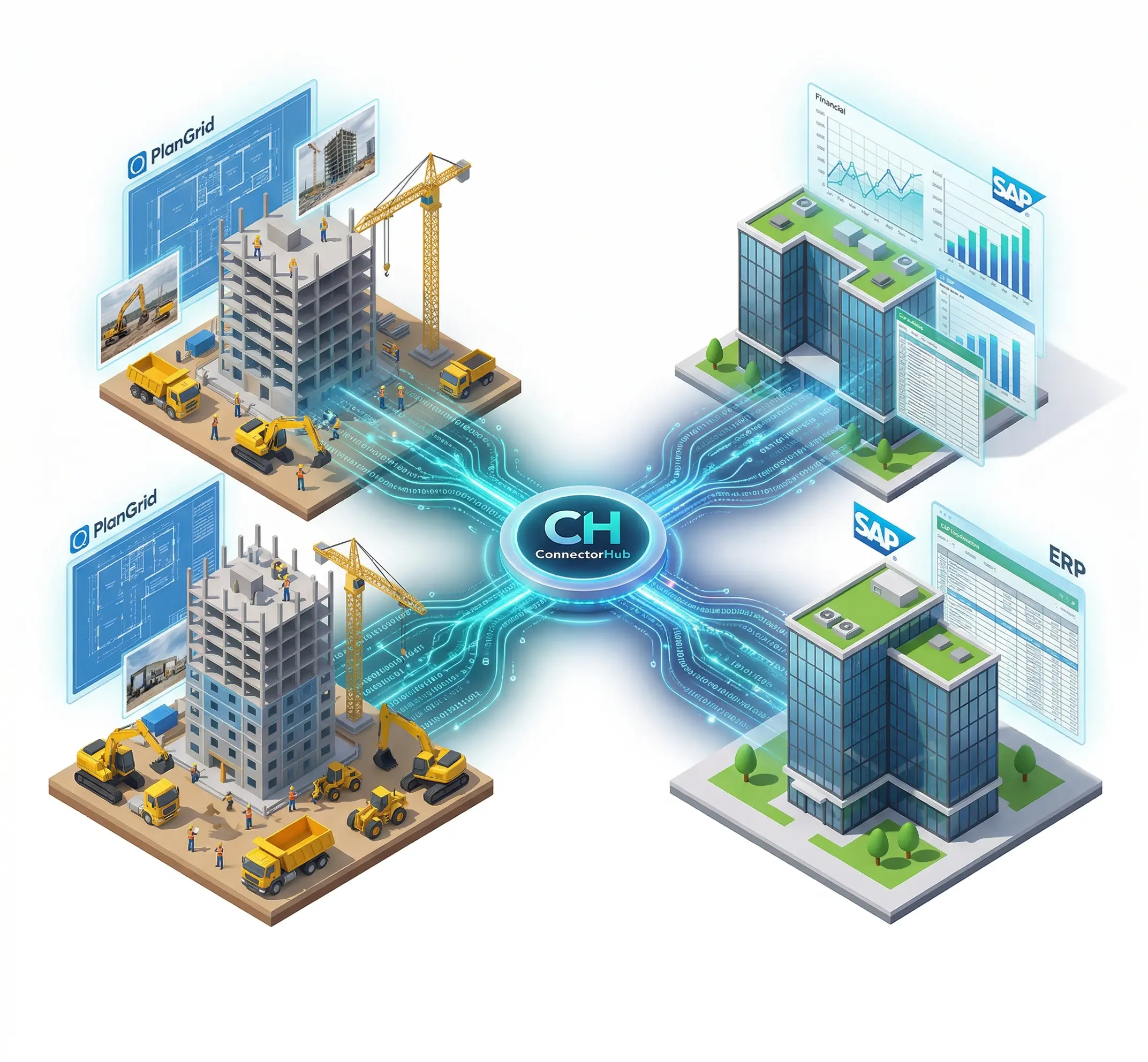
Tying together field level data captured in tools like PlanGrid with big-picture platforms such as SAP helps untangle this overwhelming issue. When smart building integration software tools go live, work stays connected, updates flow instantly, tasks move without manual pushes, and numbers stay aligned from start to finish. Through every phase of the project lifecycle, whether shaping blueprints or managing buildings after handover, clarity grows because information does not sit still.
Whether the property management industry is ready for it or not, the future of Prop Tech leans towards the adoption of integration solutions to keep the data streams moving without hurdles.
Persistent Data Silos in Construction and Real Estate Sectors
Construction sites produce massive volumes of data on a day-to-day basis. Field crews are recording RFIs, day logs, images, and other activities through applications like Autodesk's PlanGrid, whereas back-office personnel are handling budgets, procurements, and payments through ERP systems like SAP. However, this leads to silos between applications without proper linkages via integration platforms.
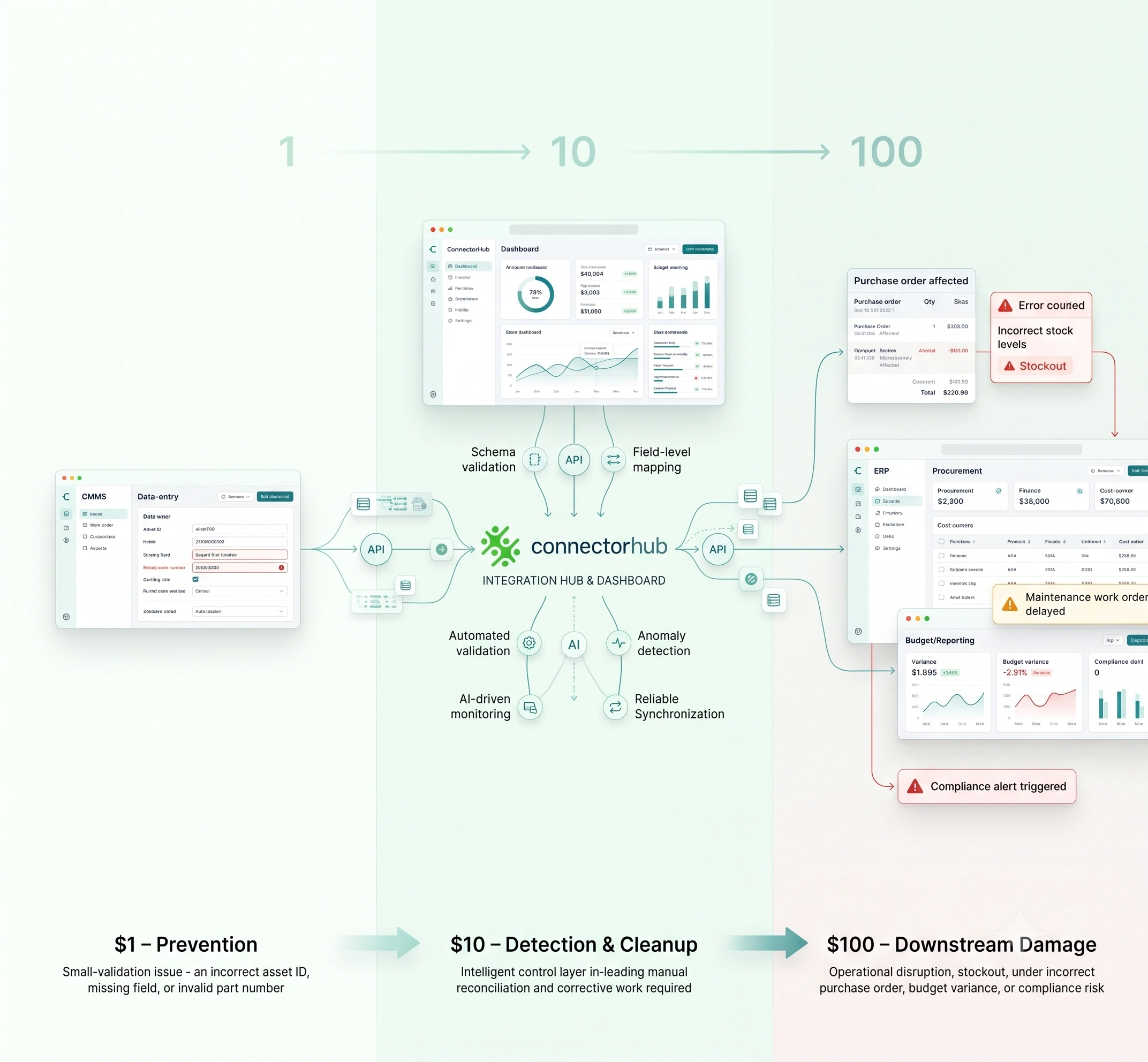
Manual data entry leads to inaccuracies, version control issues, and stale data. Field reports are not being provided on time, which leads to delays in job costing and forecasting. Payments to subcontractors are also being delayed due to mismatches, which adds to the cash flow problems that the industry is facing today, including longer payment periods and lower profitability.
Linking Construction Field Operations with ERP Intelligence
Construction projects produce two vital types of information:
- Field-based information generated at the site of construction
- Financial information generated within the enterprise infrastructure.
Although these are both vital components of a successful construction project, these systems are not mutually integrated by default and are instead housed within two different systems.
Field-based information systems, such as Autodesk PlanGrid, which has recently been incorporated into Autodesk Build as part of Autodesk Construction Cloud, are vital components of modern construction operations.
Engineers, supervisors, and contractors utilize the platform to view current drawings, record RFI requests, document issues, track punch lists, and upload site photos directly from the jobsite. This ensures that current documentation of site operations is continuously being updated within the site of operation.
The problem arises when these site operations are not integrated with the financial operations of the enterprise, which are housed within an enterprise infrastructure such as SAP. SAP provides vital support to construction organizations, including budgeting, procurement, subcontractor commitments, costing, tracking of work in progress (WIP), and compliance.
This is where iPaaS integration to connect PlanGrid and SAP comes in, as it bridges this information gap by providing a continuous data flow between jobsite activities and financial data. This means that, for instance, completed tasks, inspection reports, or even logs from issues in the field will automatically sync with the ERP data. It offers space for real estate organizations to transition to effortless one-place construction execution through a common and trusted data set.
Real Estate Workflow Automation as the Key to a Successful Construction Project
To address the issue of unconnected systems and the need for manual data transfer, the construction and property sector is increasingly turning to workflow automation through property management integration ecosystems.
The concept of workflow automation involves the use of API data integrations between applications such as Autodesk PlanGrid and enterprise systems such as SAP. It simply helps you replace project data on spreadsheets, and manual uploads to be automatically transferred between applications using APIs, middleware platforms, or integration layers.
The automated workflow makes sure that all departments access and work with the same information throughout the entire construction project life cycle:
- Field operations enter project updates, issue reports, and progress information from the construction site itself.
- ERP systems analyze the financial impact of the project updates, including cost management, budgeting, and billing processes.
- Project management receives real-time project updates on both operational and financial performance.
From a technical perspective, the integration of such automation solutions would require secure API orchestration, data mapping from field records to ERP cost codes, and automated synchronization schedules to keep the systems in sync.
Organizations that have such automated workflows in place are able to eliminate many of the bottlenecks that exist with manual data entry and reporting. This, in turn, enables a more connected project environment where operational activity, financial management, and strategic decision-making are all driven by the same real-time data.
Real Benefits of Integration with Smart Building Automation Systems
For construction and real estate companies, automation through PropTech would provide a number of key benefits, such as:
- Faster financial reconciliation
- More accurate cost forecasting
- Reduced administrative overhead
- Increased visibility throughout the entire project lifecycle.
Another significant benefit of integrating smart building automation systems is that it can provide firms with better lifecycle management benefits, as their construction data like inspections, punch list completions, and asset information can be transferred into their property management operations.
In the end, such automation of project workflows enables a more connected system of project data that can support more efficient and yielding construction delivery.
Technical Deep Dive into PlanGrid-SAP Integration for your Construction Tech Stack
Linking SAP and PlanGrid requires thoughtful architecture and execution. Let’s understand the approach based on the three aspects primarily involved:
- Right Integration Foundation
A successful integration process starts with a strategy for data flow between the construction technology stack. In most cases, the field teams will be using PlanGrid to manage data related to tasks, RFIs, inspection results, punch lists, and progress photos. On the other hand, the financial teams will be using SAP to manage financial activities such as job costing, procurement, work-in-progress (WIP), and subcontractor payments.
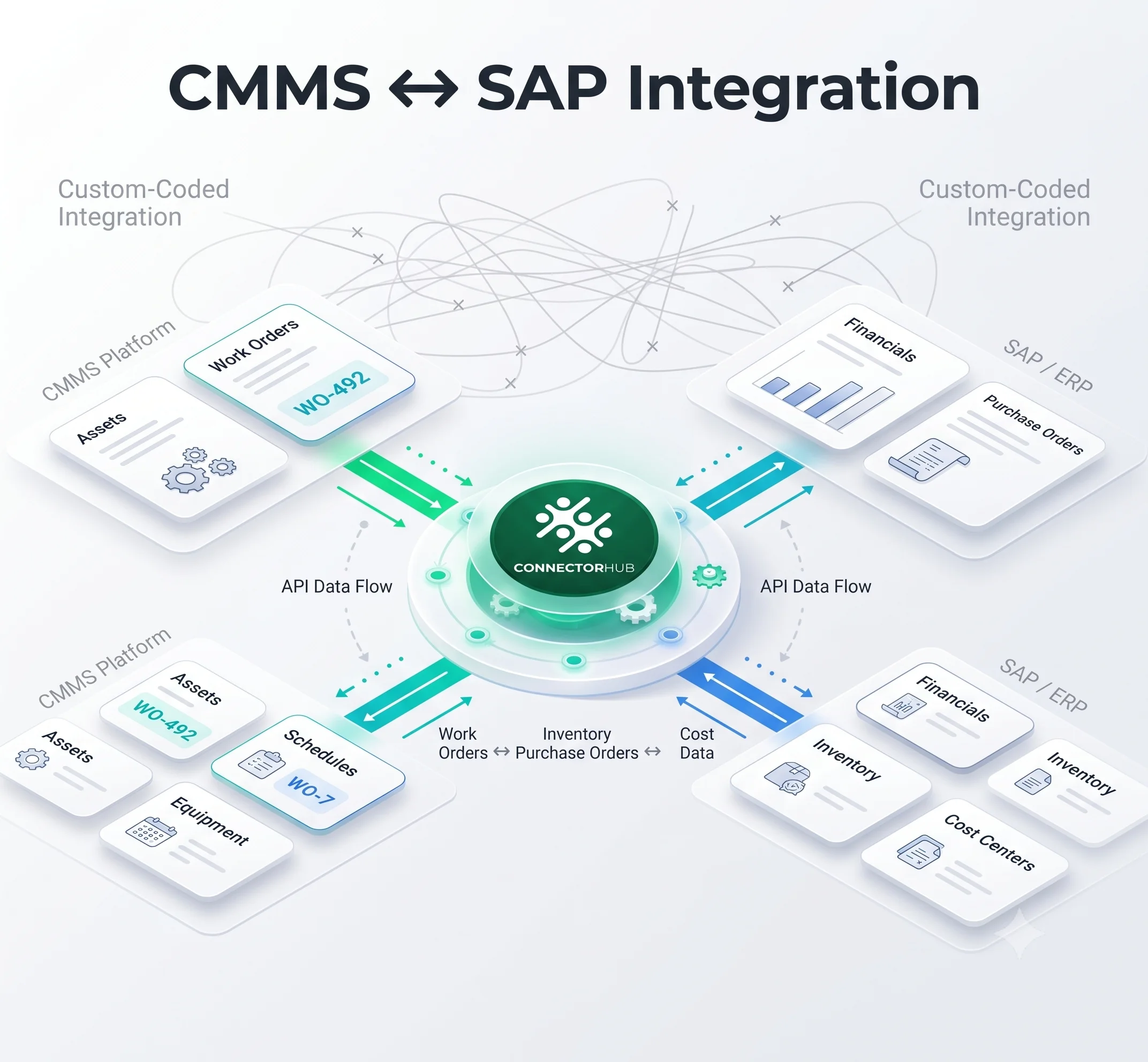
A successful integration will bridge the gap between the two applications, allowing for an easy flow of data between the two. From a technical standpoint, the integration of the two applications will be done using the API endpoints of PlanGrid to access the field data. Middleware solutions, such as SAP Integration Suite or third-party connectors like ConnectorHub handle authentication, data routing, and transformation between the systems.
- Data Mapping and Workflow Alignment
Once API connectivity is established, the next step is to align how information is interpreted by both platforms. Careful data mapping is substantial for field updates to translate correctly into ERP workflows.
Typical mappings include:
- PlanGrid tasks and issue statuses → SAP work orders
- Cost codes captured in field reports → SAP job phases or cost centers
- Inspection reports and attachments → SAP document repositories
- Punch list items → Maintenance or completion records
Organizations also need to decide how frequently systems should synchronize. Some workflows such as change orders or critical issue updates benefit from near real-time synchronization, while reporting data can be transferred through scheduled batch updates.
- Enabling Real Time Building and Maintenance Data Sync
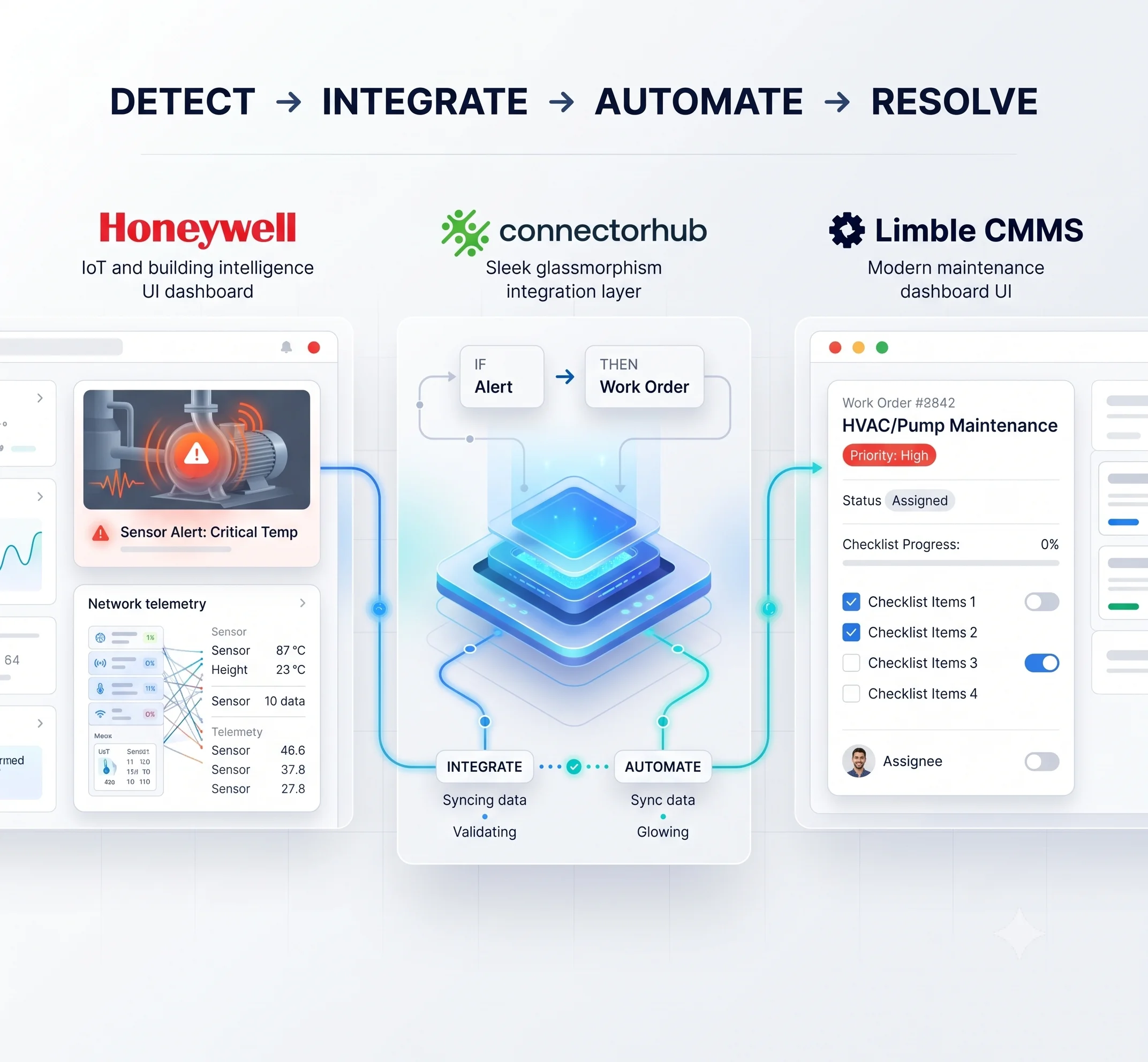
The power of integration is further amplified when it is integrated with smart building technologies. IoT sensors in buildings have the capability to monitor building conditions such as temperature, occupancy, and even equipment efficiency.
A single problem found on-site might spark a task in PlanGrid, directing crews through next steps. Meanwhile, SAP spins up its own version of that job log. When the fix lands, details flow back into SAP without delay.
This workflow pattern is extremely powerful in allowing construction teams and property managers to respond more effectively to issues in operations, while keeping their financial and maintenance systems in perfect sync.
And the result of such a strategy? Instead of relying on manual approvals or document transfers, organizations can configure automated triggers between field operations and ERP processes, accelerating the decision-making process across projects.
Practical Walk-Through to Setup an Integrated PlanGrid-SAP Data Flow
A strong data pipeline for real estate operations ensures bidirectional, reliable flow between PlanGrid and SAP.
Step 1: Discovery & Planning
First, examine the existing workflow of operations to pinpoint the significant data elements and to decide what’s the ultimate goal we are looking for through this integration.
Step 2: Integration Setup
In this step, set up how PlanGrid and SAP communicate with each other. This is often accomplished with application programming interfaces and middleware integration tools. These are software programs that enable data transfer between the two platforms.
Step 3: Data Mapping & Testing
Map out how both systems are related in terms of data. Then, perform a few tests with small sets of data to ensure data is transferred properly.
Step 4: Phased Deployment
Finally, implement the integration in a phased manner. Start with the most important workflow first. This could be something such as syncing tasks.
Step 5: Continuous Improvement
Once implemented, monitor how this integration works. Then, improve the rules set up with this automation. Finally, consider expanding this integration further to include other data sources, such as IoT devices or facilities management systems.
No-code orchestration tools like ConnectorHub further simplify this setup, supporting real-time or batch modes. This pipeline minimizes latency, maintains data integrity, and scales as portfolios grow.
Comparative Analysis of Construction Data Management: Traditional Processes vs. Integrated Solutions
The table below compares key metrics between manual approaches and integrated solutions using building management integrations:
How ConnectorHub Powers Your Integrations for your Prop Tech Systems
ConnectorHub offers a ai-ready integration platform suitable for PropTech, construction, and real estate industries, with AI-driven mapping, ERPs such as SAP, field solutions like PlanGrid/Autodesk Build, CMMS, and IoT, to achieve quick implementations in as short a time as 2-4 weeks.
The solution offers real-time bi-directional synchronization, error handling, and compliance to provide a secure, scalable integration solution for a smooth, automated, and intelligent integration process.
Also Read: Top 5 Integration Challenges Draining Your Operations Team (And How to Fix Them)
Conclusion
Looking forward, there will be advancements in AI for predictive analytics, determining forecasting issues or maintenance requirements based on a unified data source. New standards for APIs and open platforms will make it easier to integrate, and the expansion of IoT technology will bring smart buildings. Companies using integrated solutions today will reap the benefits of future advancements.
With the unification of SAP and PlanGrid using building management system integrations, data fragmentation can be turned into a business advantage for speed, accuracy, and intelligence in the construction and real estate industry. Using data integration platforms to eliminate data silos can bring benefits in terms of risk reduction, cost savings, and success for the project.
Ready to unify your project data? Find out how ConnectorHub can help with your SAP-PlanGrid integration today.