.svg)
Headed to Corrigo Connect? Turn Your Corrigo Data Into Revenue — Book a Meeting
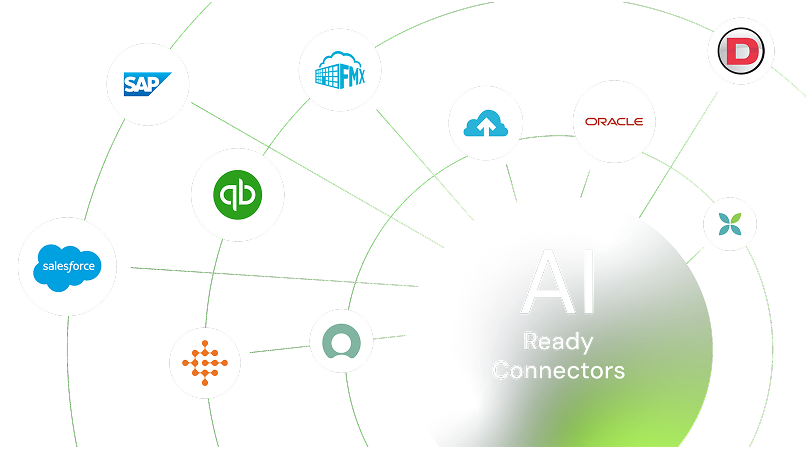
Connect UpKeep to your everyday systems to simplify data sharing, reduce rework, and keep your teams coordinated without extra effort.



Streamline work order processing from start to finish with automation.
Save time with duplicate entry elimination through work order, asset, and inventory synchronization.
Perform preventative maintenance with IoT and fleet management integration.
Make the procurement process easier with ERP and accounting integration.
Automatically push new or updated work orders between UpKeep and your ERP, CRM, or service systems so every team works from the same up-to-date information.

Keep vendor profiles, assignments, performance notes, and purchase orders consistent across UpKeep and your procurement platforms, no more manual updates.

Make sure equipment details, maintenance history, parts stock levels, and warranty records stay current and precise in UpKeep and your other core systems.

Automatically create scheduled maintenance tasks in UpKeep based on calendar dates, meter readings, sensor data, or events from connected tools.

Send completed work orders, costs, and invoices straight from UpKeep into your accounting or ERP system to speed up approvals and payments.

Route important updates about work orders, equipment issues, or overdue tasks directly to your dashboards, email, or team messaging apps



Automatically push costs, purchase orders, and invoices from UpKeep into QuickBooks for reliable, timely accounting.
See UpKeep + QuickBooks Integration
Share work orders, assets, purchase orders, and costs with NetSuite for smoother financial reconciliation and operations.
See UpKeep + NetSuite Integration
Sign up or log in to your ConnectorHub workspace.
Connect using your UpKeep OAuth credentials or API key.
Select a pre-built integration or design your own workflow.
Go live & track performance from dashboard.
Explore our library of prebuilt connectors, integrations, and complete integration apps that allow you to quickly implement common integrations and automations, significantly reducing deployment time and effort.