.svg)
Headed to Corrigo Connect? Turn Your Corrigo Data Into Revenue — Book a Meeting
Connect ServicePRO with your other business tools to cut out manual ticket handling, bring scattered information together, and keep your support teams and back-office colleagues working in harmony.




Process tickets quickly through automated workflow processes.
Prevent data duplication through automatic synchronization of ticketing and updates.
Enhance SLAs through automated routing and notifications.
Ensure teams stay in sync through real-time ticket updates and smooth transfers.
New requests created in other systems or incoming emails automatically flow into ServicePRO, so everyone works from the same up-to-date information without extra steps.

Keep user profiles, permissions, and contact details current by syncing with directory services, no more manual updates when people join or change roles.

Turn incoming emails into service requests instantly and keep calendars in sync, so scheduling stays accurate and up to date on both sides.

Link ServicePRO requests with tasks in project tools, so progress flows naturally between support and project teams.

Send real-time alerts about ticket status or SLA risks straight to the dashboards and people who need them, so nothing slips through the cracks.

Push completed requests, notes, and performance data into other platforms automatically for easier reporting and smoother follow-ups.



Link your service requests with customer records and cases in Salesforce so sales and support teams have full visibility without switching between systems.
See ServicePRO + Salesforce Integration
Keep your finances in order by automatically syncing invoices, payments, and sales tax data between ServicePRO and QuickBooks Online.
See ServicePRO + QuickBooks Integration
Sign up or log in to your ConnectorHub workspace.
Connect using your ServicePRO OAuth credentials or API key.
Select a pre-built integration or design your own workflow.
Go live & track performance from dashboard.
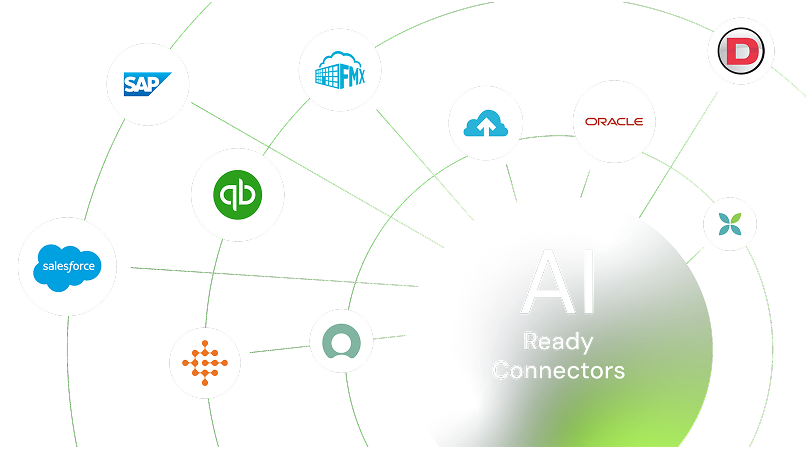
Explore our library of prebuilt connectors, integrations, and complete integration apps that allow you to quickly implement common integrations and automations, significantly reducing deployment time and effort.