.svg)
Headed to Corrigo Connect? Turn Your Corrigo Data Into Revenue — Book a Meeting
Connect Service Autopilot with your essential business tools to eliminate manual data entry, streamline field-to-office communication, and keep your growth on track




Sync client details and job history without double-entry errors
Accelerate your billing cycle with instant accounting updates
Modernize customer communication through automated text and email alerts
Gain a clear view of technician performance and job costing
Maintain accurate financial records across your entire operation
Keep your marketing and field data in sync. Automatically move leads from your website or CRM into Service Autopilot to ensure your sales team can provide estimates faster

Bridge the gap between job completion and your books. Automatically push invoices and payments to your accounting software to keep your ledgers balanced in real time

Trigger personalized follow-ups, service reminders, or review requests based on job status updates, ensuring a professional experience without manual outreach

Connect field data with your operations hub. Sync crew locations and job progress to optimize routes on the fly and provide customers with accurate arrival windows.

Automate the collection process by pulling payment data directly into your billing system, reducing the time spent chasing past-due invoices.

Automatically synchronize material usage, inventory levels, between Service Autopilot and your ERP or inventory management system, ensuring crews always have the right materials while preventing stock shortages & overordering



Experience true two-way synchronization to manage customers, invoices, and payments without manual exports
See Service Autopilot + QuickBooks Integration
Nurture leads into loyal contracts by syncing field service history with your marketing automation workflows
See Service Autopilot + HubSpot Integration
Sign up or log in to your ConnectorHub workspace.
Connect using your Service Autopilot credentials and API access.
Select a pre-built integration or design your own workflow.
Go live & track performance from dashboard.
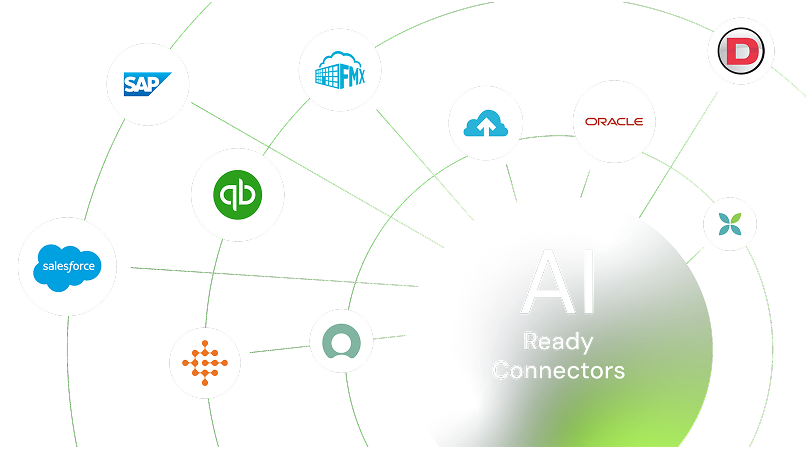
Explore our library of prebuilt connectors, integrations, and complete integration apps that allow you to quickly implement common integrations and automations, significantly reducing deployment time and effort.