.svg)
Headed to Corrigo Connect? Turn Your Corrigo Data Into Revenue — Book a Meeting
Connect Procore with your critical field and office tools to eliminate communication gaps, reduce rework, and keep your project managers, accountants, and subcontractors operating from a single source of truth




Sync financial and field data without the risk of manual entry errors
Bridge the gap between ERP and PM to keep project budgets and actuals aligned
Centralize document control across design, bidding, and construction phases
Automate safety and compliance reporting to mitigate job site risks
Standardize field-to-office reporting to ensure consistent data across every project
Synchronize costs, budget, commitments, invoices, change orders, and purchase orders of your projects with Procore and your ERP or accounting systems for timely visibility of your financial data

Connect time tracking and workforce management systems with Procore for automatic synchronization of labor hours, attendance records, field logs, and performance data at all your jobsites

Integrate BIM/CAD and document management systems with Procore for synchronization of drawings, RFI's, submittals, specifications, and documentation at all stages of your projects

Create projects in Procore when opportunities become Closed-Won in your CRM and synchronize customer information and project details for smooth transition into operations

Synchronize your inspection, safety observation, equipment, drone, and compliance checklist data with Procore for automatic creation of reports and triggering of necessary actions

Connect your fleet management, equipment and maintenance systems with Procore for efficient scheduling of preventive maintenance and better equipment utilization



Turn winning bids into active projects instantly. Sync account information and project status between your sales and operations teams
See Procore + Salesforce Integration
Eliminate double entry by syncing project financials. Ensure that invoices and payments in Procore are reflected accurately in your books
See Procore + QuickBooks Integration
Sign up or log in to your ConnectorHub workspace.
Connect using your Procore credentials and API access
Select a pre-built integration or design your own workflow.
Go live & track performance from dashboard.
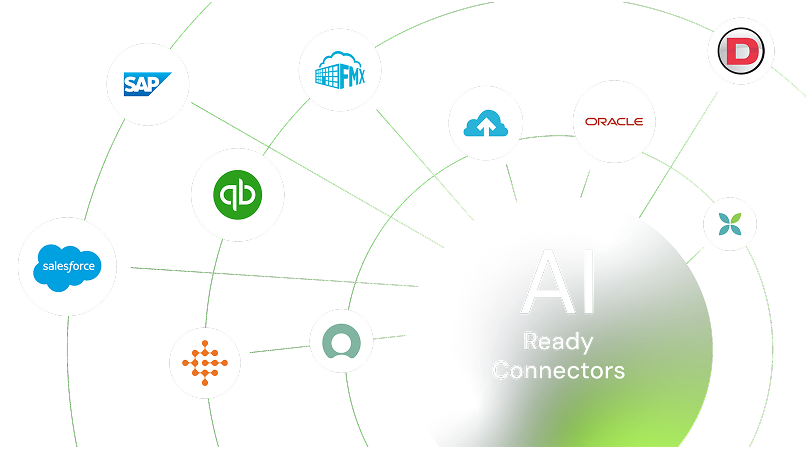
Explore our library of prebuilt connectors, integrations, and complete integration apps that allow you to quickly implement common integrations and automations, significantly reducing deployment time and effort.