.svg)
Headed to Corrigo Connect? Turn Your Corrigo Data Into Revenue — Book a Meeting
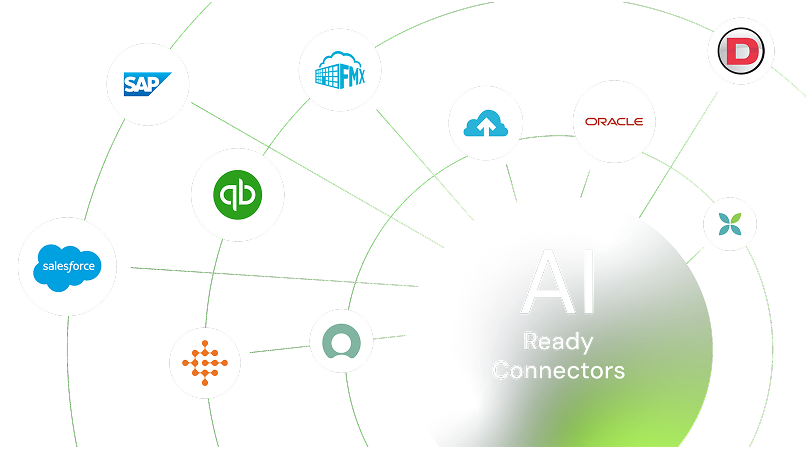
Connect Incident IQ with your district’s essential tools to eliminate data silos and keep IT, facilities, and administrative teams perfectly in sync. Empower your staff with automated workflows that turn manual oversight into effortless



Keep student data accurate sync user and roster information directly from your SIS without manual updates
Master your inventory link to MDM platforms to see real-time device health and location metadata
Simplify access enable secure, one-click logins with district-wide SSO configurations
Bridge the departmental gap to coordinate work orders between IT and Facilities on a single timeline
Drive decisions with data combine asset lifecycle info with support trends for smarter budget planning
Stop chasing enrollment changes. Automatically update student and staff profiles by pulling the latest records from your Student Information System (SIS)

Connect your MDM—like Jamf or Google Admin Console—to see OS versions, last check-in times, and IP addresses right inside a support ticket

Launch remote desktop sessions directly from the ticket interface to resolve classroom issues faster without leaving your desk

Use your existing directory services to manage permissions. When a new staff member is added to your network, they’re instantly ready to use the help desk

Trigger HVAC or lighting work orders based on event schedules, ensuring classrooms and gyms are ready before the first student arrives

Workflow automation can be achieved through warranty management, request submission for repair, and tracking of device status all through the iiQ portal.



Bridge the gap between device management and support by viewing deep hardware analytics within every asset record
See Incident IQ + Jamf Integration
Bring support notifications into your team's daily chat app, so no high-priority ticket ever goes unnoticed
See Incident IQ + Microsoft Team Integration
Sign up or log in to your ConnectorHub workspace.
Connect using your Incident IQ credentials and API access.
Select a pre-built integration or design your own workflow.
Go live & track performance from dashboard.
Explore our library of prebuilt connectors, integrations, and complete integration apps that allow you to quickly implement common integrations and automations, significantly reducing deployment time and effort.