.svg)
Headed to Corrigo Connect? Turn Your Corrigo Data Into Revenue — Book a Meeting
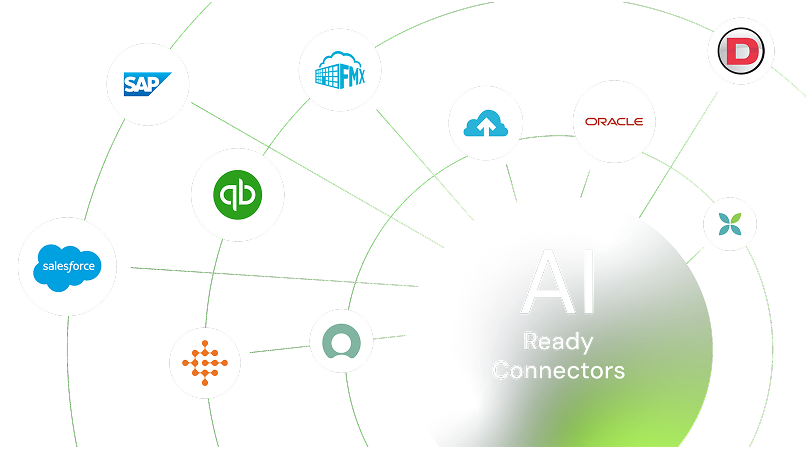
Connect Dataforma with the tools your team already uses to cut down on double entry, keep projects moving, and give everyone—from office staff to tech in the field—the information they need in real time



Keep customer and project data consistent without retyping
Share job updates instantly with your team and clients
Automate invoicing and payments to get paid faster
Centralize documents, photos, and reports for every job
Maintain accurate records for payroll, costs, and financials
Automatically keep customer details, contacts, and job history aligned between Dataforma and your CRM so sales and service teams always work from the same information

Pull job site photos and notes straight into project files, work orders, or client records for complete, organized documentation without manual uploads

Streamline collections by connecting payment processors so invoices turn into paid records quickly and securely

Send invoices, payments, and cost details to your accounting software for accurate books and quicker month-end close

Trigger updates across systems when jobs start, complete, or change so scheduling, reporting, and customer communication stay in step

Save time by synchronizing your email and calendar with Dataforma. You can track all of your clients’ conversations & sync each of their calendars automatically



Sync invoices, payments, and financial details so your books stay current without manual exports or reconciliation headaches.
See Dataforma + QuickBooks Online Integration
Bring job site photos and comments straight into Dataforma projects and documents so everyone has the visual records they need exactly where they expect them.
See Dataforma + CompanyCam Integration
Sign up or log in to your ConnectorHub workspace.
Connect using your Dataforma credentials and API access.
Select a pre-built integration or design your own workflow.
Go live & track performance from dashboard.
Explore our library of prebuilt connectors, integrations, and complete integration apps that allow you to quickly implement common integrations and automations, significantly reducing deployment time and effort.