.svg)
Headed to Corrigo Connect? Turn Your Corrigo Data Into Revenue — Book a Meeting
Bring your accounting and payroll data into Clockwork to automatically generate 3-statement forecasts, run scenario plans, and get real-time answers from your AI analyst, Mira


Generate automated 13-week cash flow models without manual data entry
Sync your GL data in real-time for perfectly accurate board reporting
Connect your payroll systems to keep headcount planning and burn rate precise
Ask your AI analyst questions and get instant, data-backed answers
Keep sensitive financial data safe with SOC 2 Type II certified security
Pull numbers straight from your accounting software to automatically build and maintain your 3-statement financial models.

Sync your HR and payroll platforms so every new hire, benefit change, or salary adjustment instantly reflects your future cash flow and burn rate.

Easily model best-case or worst-case situations using your live historical data to see exactly how different decisions impact your runway.

Instead of tracing cell references when a board member asks about a drop in revenue, let the Mira AI analyst interpret your live financial data and deliver instant, data-backed explanations.

Automate the updates for candidate profiles, reference checks, and offer letters through your ATS, HRIS, and Documents systems

Integrate the status of candidates to your CRM software like HubSpot and trigger task updates or calendar invites immediately



Pull in your trial balances and historical financials instantly to map your 3-statement model.
See Clockwork + QuickBooks Integration
Sync your invoices, bills, and account balances to keep your real-time dashboard completely up to date.
See Clockwork + Xero Integration
Sign up or log in to your ConnectorHub workspace.
Connect using your Clockwork credentials and API access.
Select a pre-built integration or design your own workflow.
Go live & track performance from dashboard.
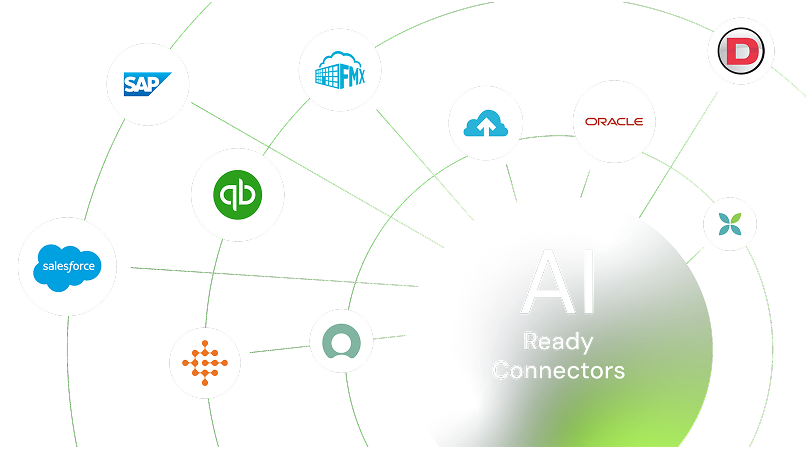
Explore our library of prebuilt connectors, integrations, and complete integration apps that allow you to quickly implement common integrations and automations, significantly reducing deployment time and effort.