.svg)
Headed to Corrigo Connect? Turn Your Corrigo Data Into Revenue — Book a Meeting
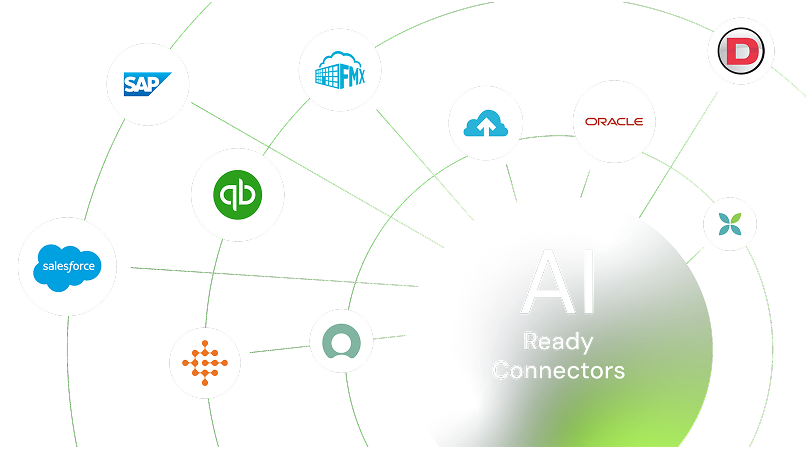
Connect CleanTelligent with your other tools to cut down on manual work, keep everyone aligned, and make your cleaning team more efficient. Focus on delivering great service instead of chasing paperwork.



Sync service locations, client details, and team assignments without re-entering data
Keep real-time updates moving between your quality tools and client portals
Automate reminders and follow-ups for cleaner communication
Pull performance data into reports for clearer insights & Maintain accurate records for billing, compliance, and client reviews
Get a full picture of operations from field work to final reports
Keep client sites and team info consistent across platforms. Automatically update details so managers always see the latest on inspections and assignments.

Turn inspection findings into tasks right away. Pull data from scheduling or client feedback to create and track work orders without extra steps.

Connect mobile surveys and client input directly to your main system. Gather real-time responses from building occupants or managers and link them to quality records.

Feed inspection and work order data into your business intelligence tools. Spot trends, measure team performance, and share clear summaries with clients or leadership.

Link job schedules with your operations calendar. Trigger reminders, assignments, or follow-up tasks automatically when services are due or completed.

Automating these processes will save a lot of time spent on administrative work, prevent data duplication, and speed up client onboarding and job management.



Sync completed work orders and service records to keep your invoicing and books up to date without manual exports. Spend less time on reconciliation and more on growing your business.
See CleanTelligent + QuickBooks Integration
Enhance your built-in reporting by connecting to advanced analytics platforms. Create custom dashboards that combine cleaning data with broader business metrics for stronger decision-making.
See CleanTelligent + Infor Birst Integration
Sign up or log in to your ConnectorHub workspace.
Connect using your CleanTelligent credentials and API access.
Select a pre-built integration or design your own workflow.
Go live & track performance from dashboard.
Explore our library of prebuilt connectors, integrations, and complete integration apps that allow you to quickly implement common integrations and automations, significantly reducing deployment time and effort.