.svg)
Headed to Corrigo Connect? Turn Your Corrigo Data Into Revenue — Book a Meeting
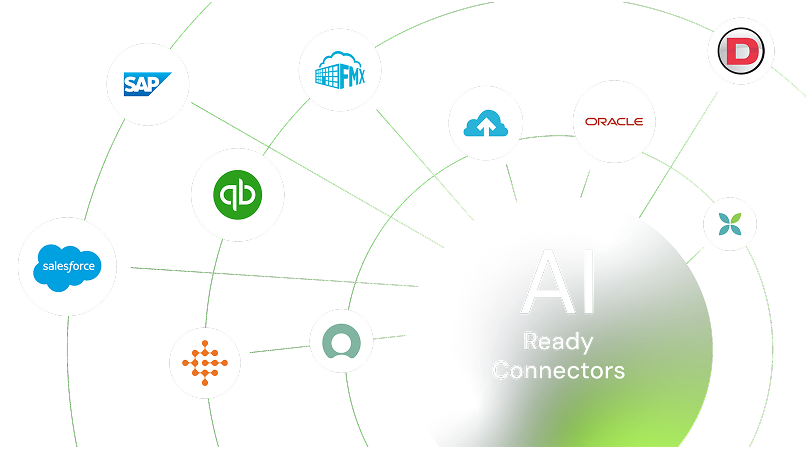
Integrate Brightly with your ERP, IoT, GIS, and facility systems to centralize asset data, automate maintenance workflows, and eliminate manual processes. Make faster, data-driven decisions that extend asset life and improve operational efficiency across your organization.



Connect maintenance activities with planning and budgeting tools
Automate notifications and updates across departments
Bring together data for better decisions on repairs, replacements, and budgets
Maintain accurate records across your operational systems
Align maintenance data with capital planning for smarter long-term decisions
Pull requests from citizen portals, school systems, or internal tools straight into Brightly so teams can respond faster and avoid duplicate entries.

Link your asset records with ERP or inventory systems to track parts, manage stock levels, and keep costs visible in one place.

Connect mapping tools to see exactly where assets are located, plan routes efficiently, and prioritize work based on real-world conditions.

Share maintenance history and cost data with planning or accounting systems to support better budgeting and forecasting for asset replacements.

Pull data from sensors and automation systems to trigger work orders automatically when issues arise, helping prevent downtime.

Automatically create requests for repairs and work orders right away whenever you schedule or rent out a space.



Bring customer or service requests from Salesforce directly into Brightly for quicker response and complete visibility from request to resolution.
See Brightly + Salesforce Integration
Sync maintenance and asset information with your ERP or finance processes to keep inventory, costs, and operations aligned.
See Brightly + Microsoft Dynamics Integration
Sign up or log in to your ConnectorHub workspace.
Connect using your Brightly credentials and API access.
Select a pre-built integration or design your own workflow.
Go live & track performance from dashboard.
Explore our library of prebuilt connectors, integrations, and complete integration apps that allow you to quickly implement common integrations and automations, significantly reducing deployment time and effort.