.svg)
Headed to Corrigo Connect? Turn Your Corrigo Data Into Revenue — Book a Meeting
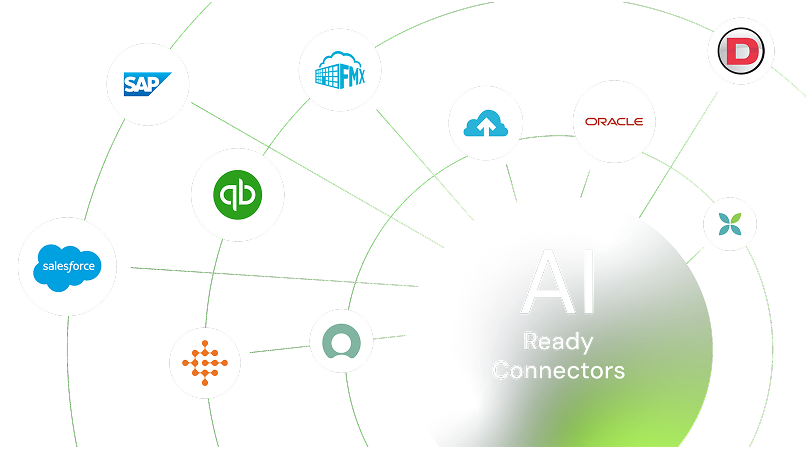
Integrate AkitaBox with your CMMS, BIM, IoT, maintenance, and operational systems to centralize facility and asset data, streamline building management workflows, and keep facilities, capital planning, and operations teams working from the same connected information.



Sync construction documents directly into daily operations
Maintain accurate, up-to-date asset and floor plan data across teams
Streamline work orders and maintenance with real-time information
Support better capital planning with reliable data
Give everyone a clear, shared view of facility health and history
Smoothly transfer project documents, drawings, photos, and manuals from construction software into AkitaBox so operations teams start with everything they need on day one.

Pull manufacturer details, photos, and condition notes straight into your digital floor plans using mobile tools and smart recognition features.

Keep work orders, preventive schedules, and inspections tied to accurate asset locations and histories for faster responses and fewer surprises.

Feed real-time condition and maintenance data into planning tools to create reliable forecasts and prioritize repairs.

Link intelligent building models and updated drawings, so teams always work from current layouts instead of outdated files.

AkitaBox operates as an automated digital archive in that the system directly correlates the external documentation to the actual building location



Easily hand off construction documents, warranties, O&M manuals, and project files right into AkitaBox for immediate use by facilities teams. No more weeks of manual sorting or missing information.
See AkitaBox + Procore Integration
Turn static drawings into dynamic, intelligent floor plans with assets pinned in their exact locations. Keep plans accurate and usable for daily maintenance and inspections.
See AkitaBox + Revit Integration
Sign up or log in to your ConnectorHub workspace.
Connect using your AkitaBox credentials and API access.
Select a pre-built integration or design your own workflow.
Go live & track performance from dashboard.
Explore our library of prebuilt connectors, integrations, and complete integration apps that allow you to quickly implement common integrations and automations, significantly reducing deployment time and effort.